


SysAdmin

USB tethering on Mac OS X

JJ
Jobin Joseph · Founder and CEO
·Published 26 June 2013·1 min read

By default, Mac OS X is not supporting the USB tethering feature of Android. But you can achieve this by installing a small application.

Steps

1. Download the Application from this Link.
2. Open the downloaded package and install it as usual.
3. Now connect the USB cable to PC and your Android Device.
4. Go to Settings on android and enable USB tethering.
5. You are done . Now you can access internet on your Mac OS X.
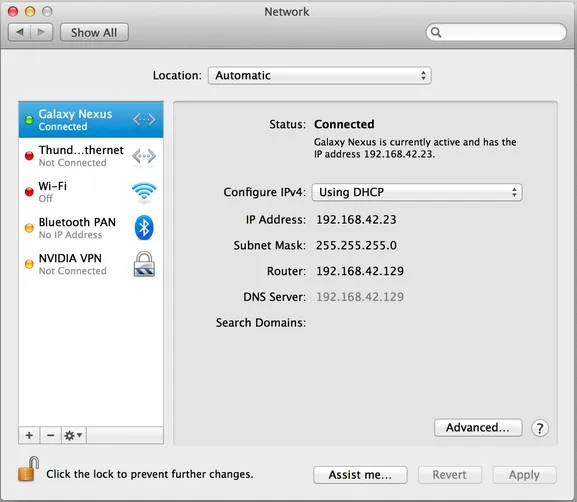
horndis

Sources

Project Link – GitHub

Comment and share if found helpful.

Jobin Joseph
Jobin Joseph, Founder and CEO
5x AWS Certified, ISO 27001:2022 Lead Implementer, 17+ years building cloud infrastructure for regulated industries.
About Jobin →

Reading this because your AWS bill or uptime is a problem?

30 minutes, direct with the founder, no sales pitch: one specific recommendation for your AWS workload.

Book a free 30-minute review
30 min Free Consultation →
