



If you are an Ubuntu + Android user, This post is for you !!!
Most of all Ubuntu users uses “Tomboy Notes” – A simple and easy to use desktop note-taking application.
Ever thought, How to sync those notes to your Android Device ???
Please follow these steps to get it done.
– *On Ubuntu System*
– Create an account at https://one.ubuntu.com .
– Go to Tomby Notes >> Preference >>Synchronization. Choose Service Tomboy Web, Server https://one.ubuntu.com/notes/ Then follow the authentication steps.
– *On Android Device*
Install the application Tomdroid Notes
Go to Settings >> Server – Click Authenticate Follow the authentication Steps.
Thats it, Now you can Read your notes from your Android Device.
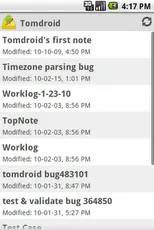
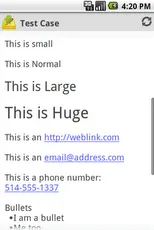
NOTE: *It is a READ-ONLY client for now.. It doesn’t allow you to edit your Notes.*
